
A visual PRD is
a plan you can move.
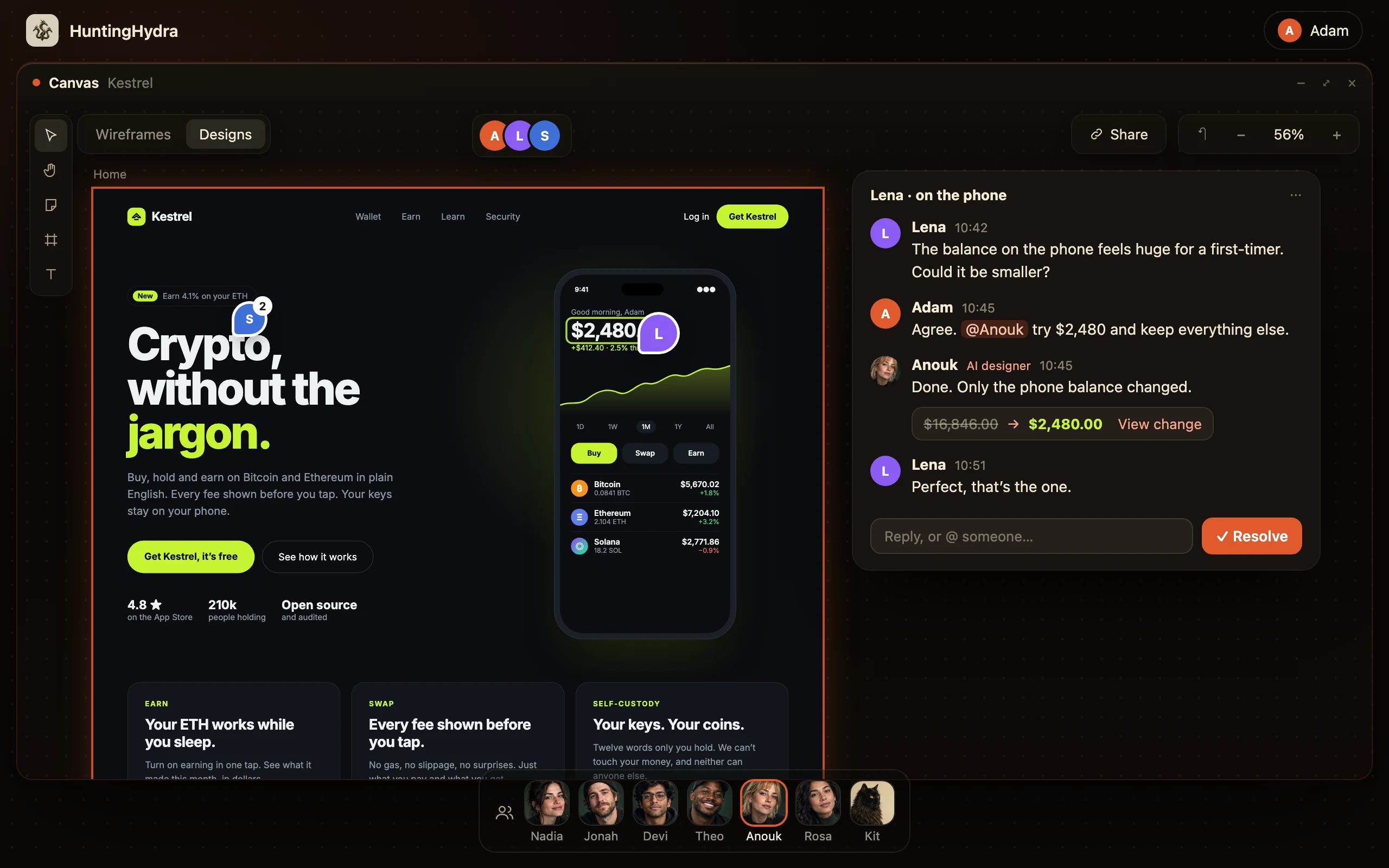
A product spec drawn as boards: every page, its words and its data. This is Kestrel’s, a crypto wallet, on one canvas.
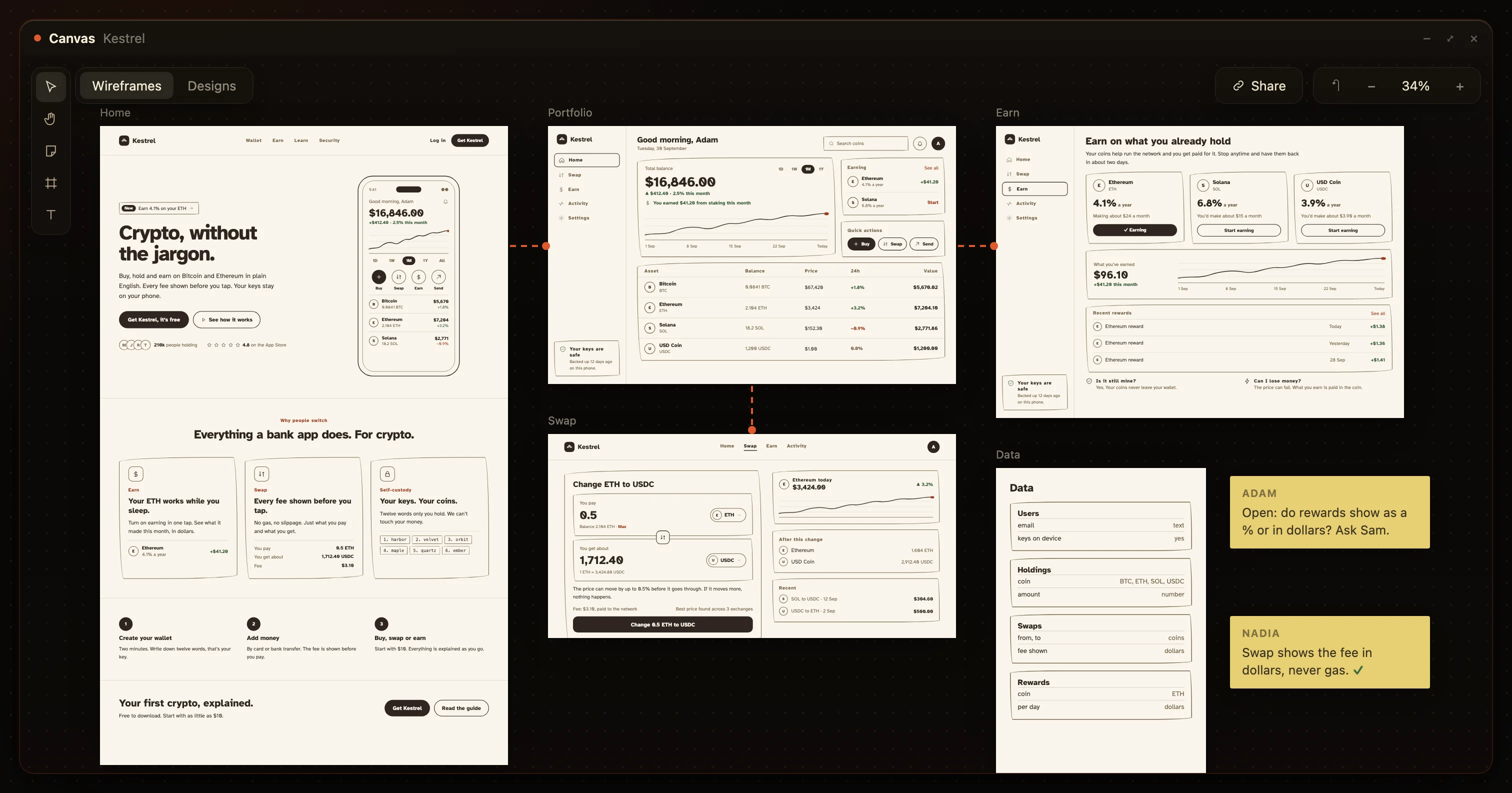
- Every page
- In the order a user meets them
- Real words
- What is written here ships
- The data
- As a board of its own
- Open questions
- As notes, on the page
Five lines that read as finished. Five decisions still open.
Adam’s written spec looks done. Each line leaves a decision to whoever builds it. The board made all five.
Users can swap between tokens.
Left open: Which pair, and what do they see before they confirm?Show transaction fees.
Left open: In gwei, or in dollars?Handle slippage.
Left open: What does a first-time buyer read?Users can earn rewards.
Left open: As APY, or as money?Show the balance.
Left open: One total, or per coin?
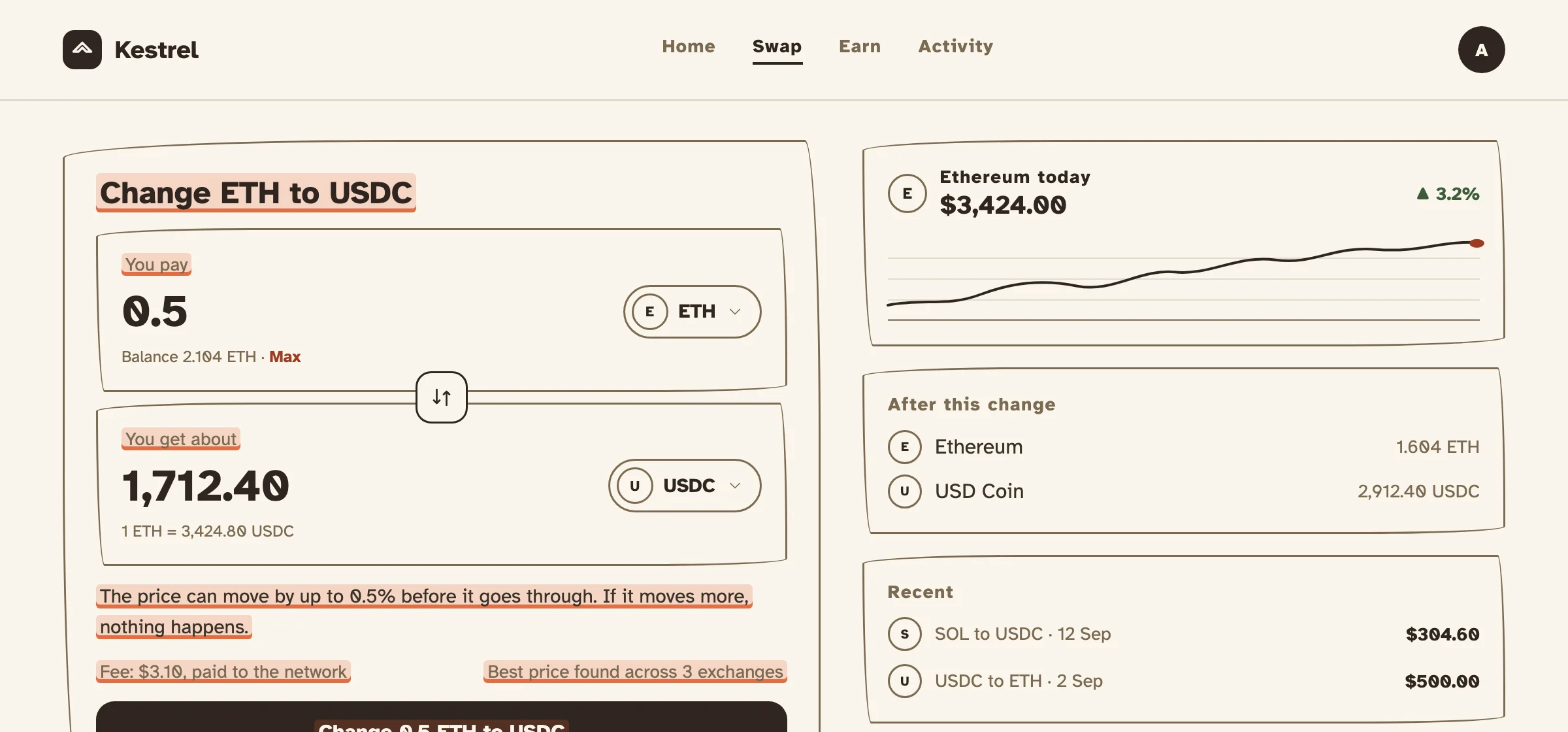
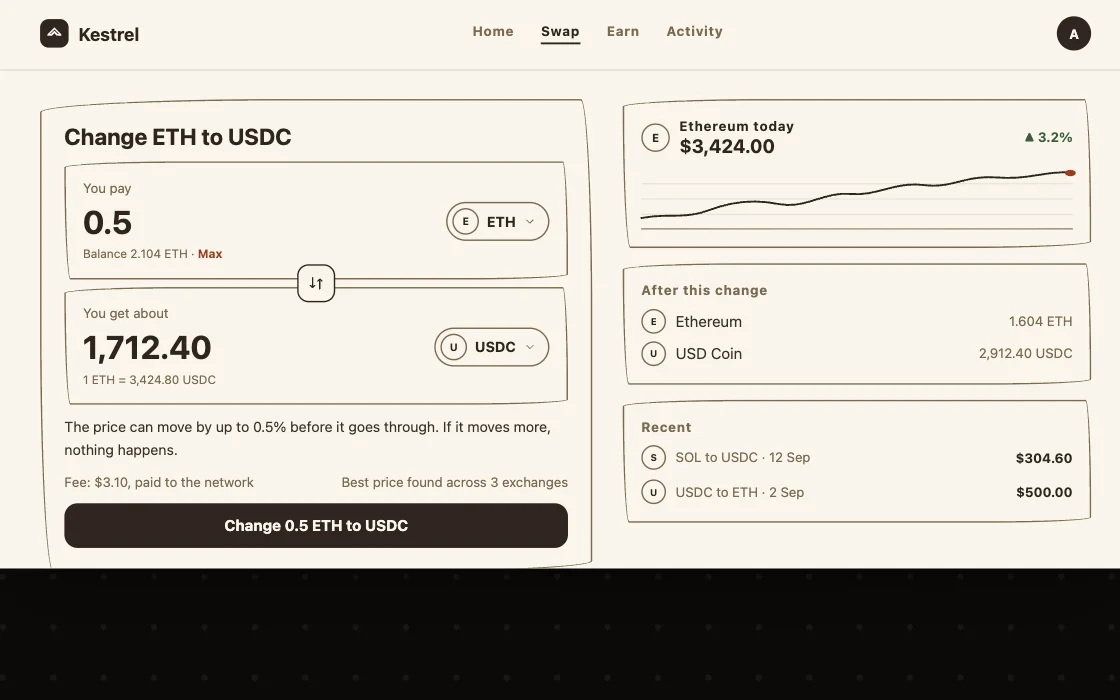
- “Change ETH to USDC”, You pay, You get about
- “Fee: $3.10, paid to the network”
- “The price can move by up to 0.5% before it goes through”
- “4.1% a year”, and what it made, in dollars
- The total, then every coin under it
Every PRD section has a place on the canvas.
Most are easier to check there, on the page they describe.
| Section | In a written PRD | In a visual PRD | |
|---|---|---|---|
| Problem and goal | A paragraph at the top | A note on the first board | 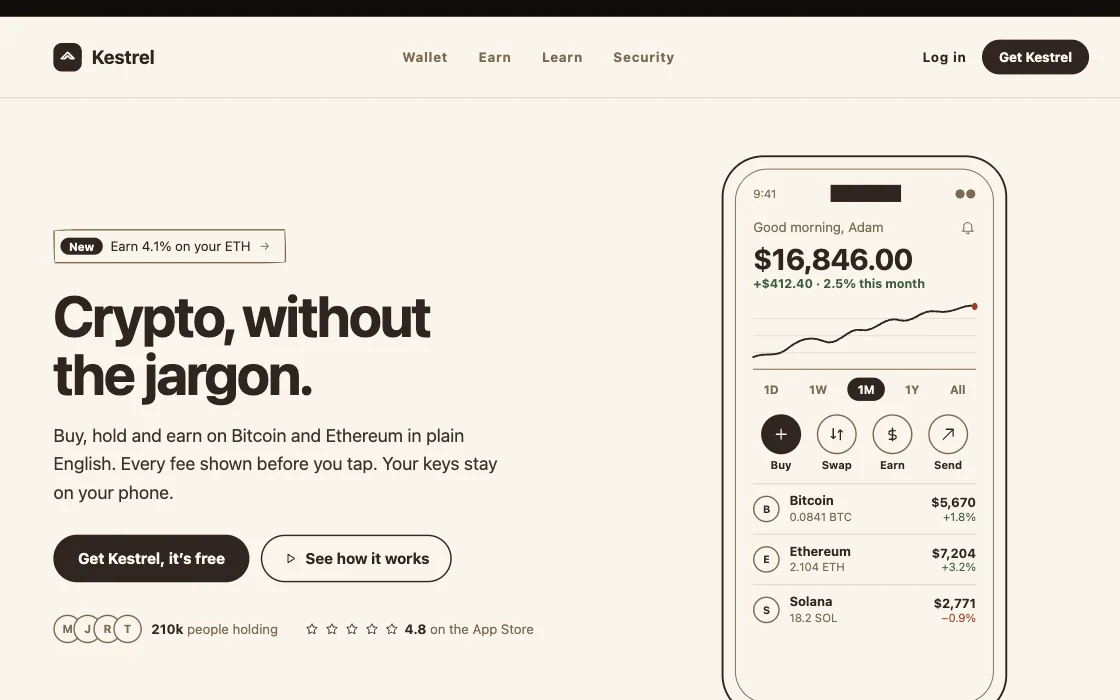 |
| User stories | “As a user, I want…” | The boards, in order | 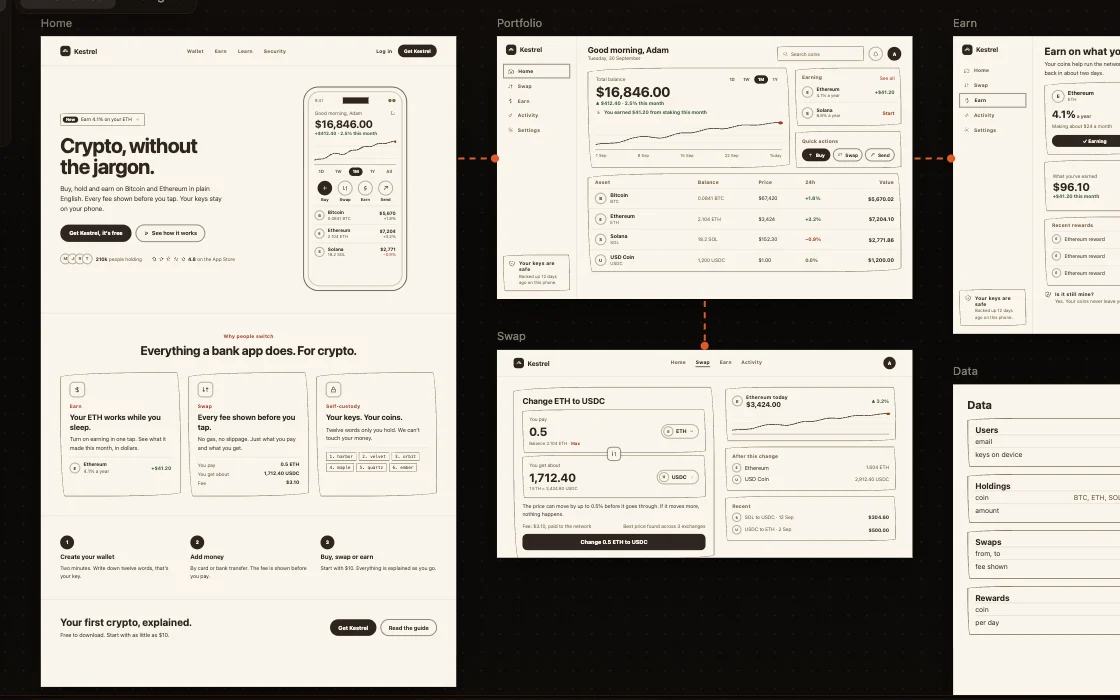 |
| Requirements | Numbered lines | Fields and buttons on each board | 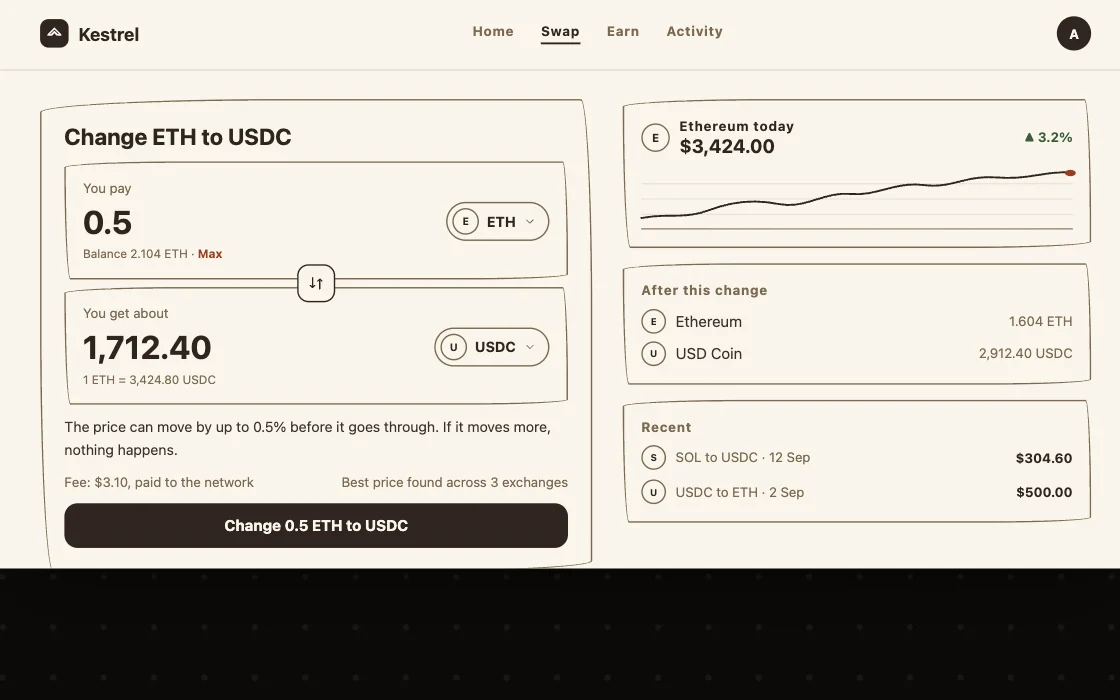 |
| User flow | A diagram elsewhere | Arrows between the boards | 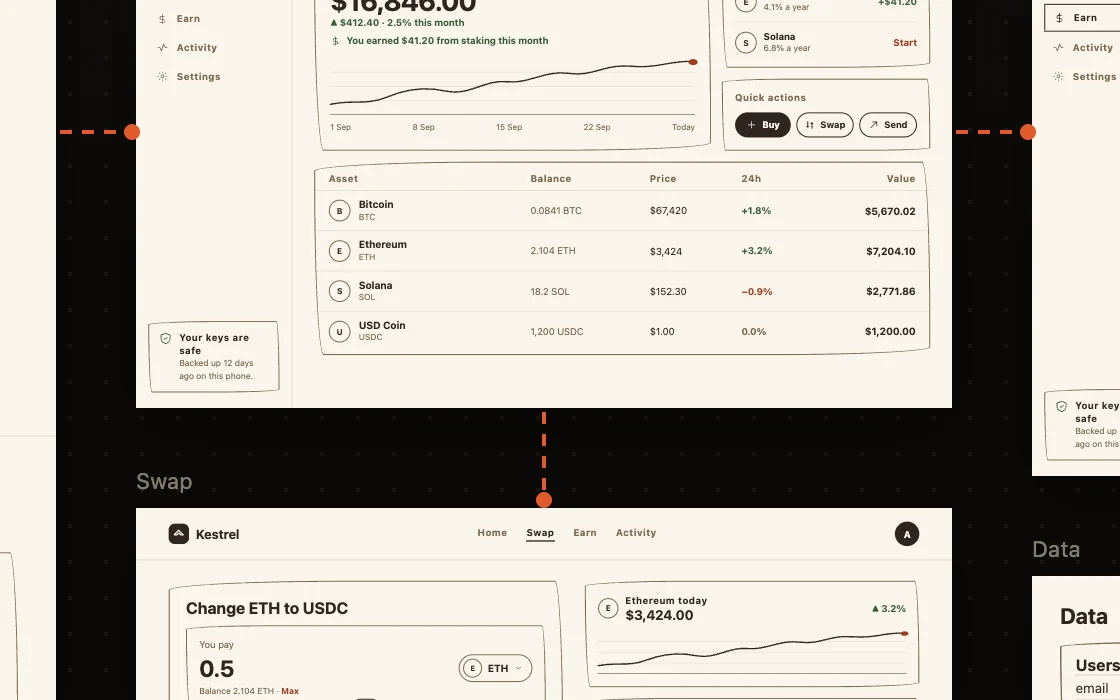 |
| Edge cases | A list, if remembered | Boards of their own | 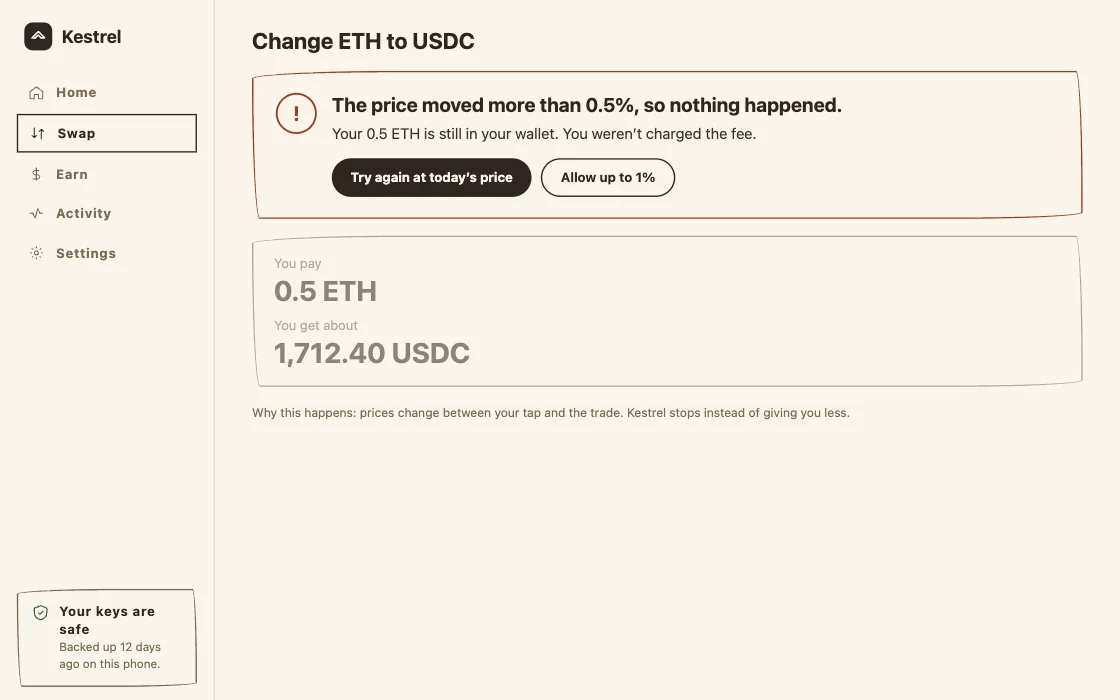 |
| Copy | Placeholders | The real words | 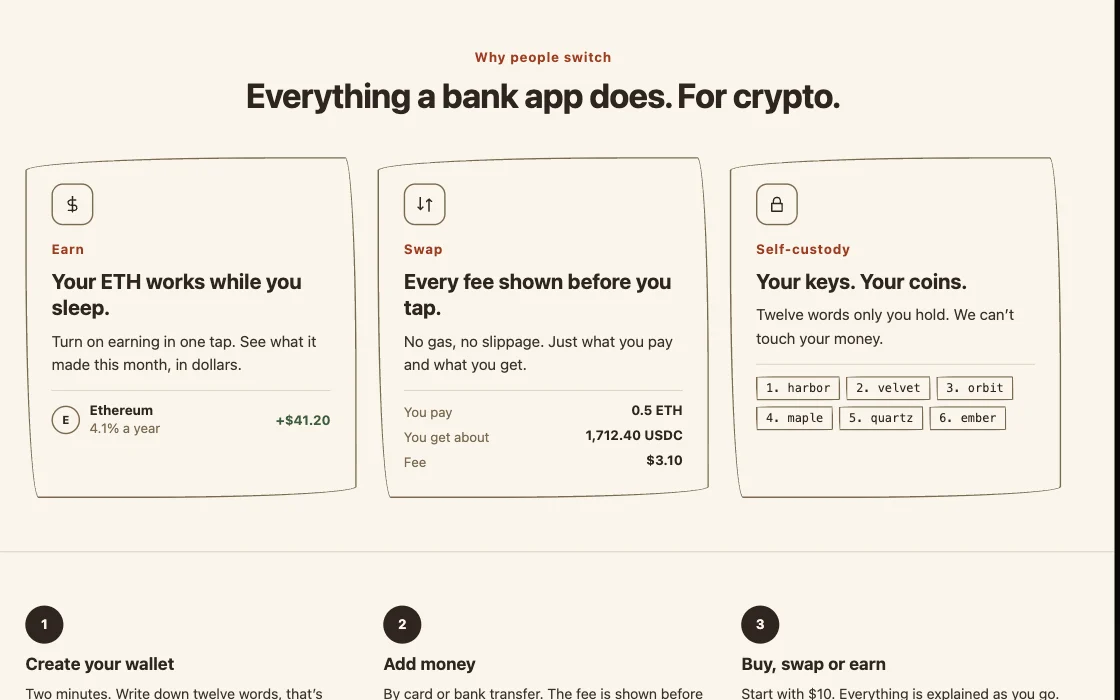 |
| Data model | A separate document | A data board | 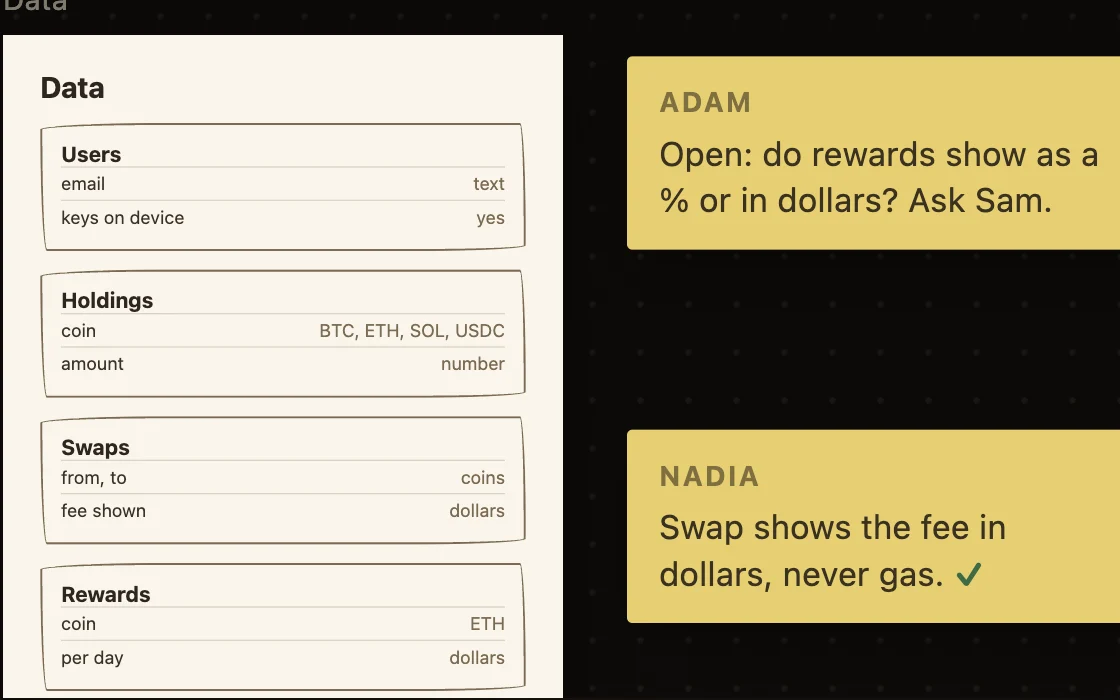 |
| Open questions | A section at the end | A sticky note on the board | 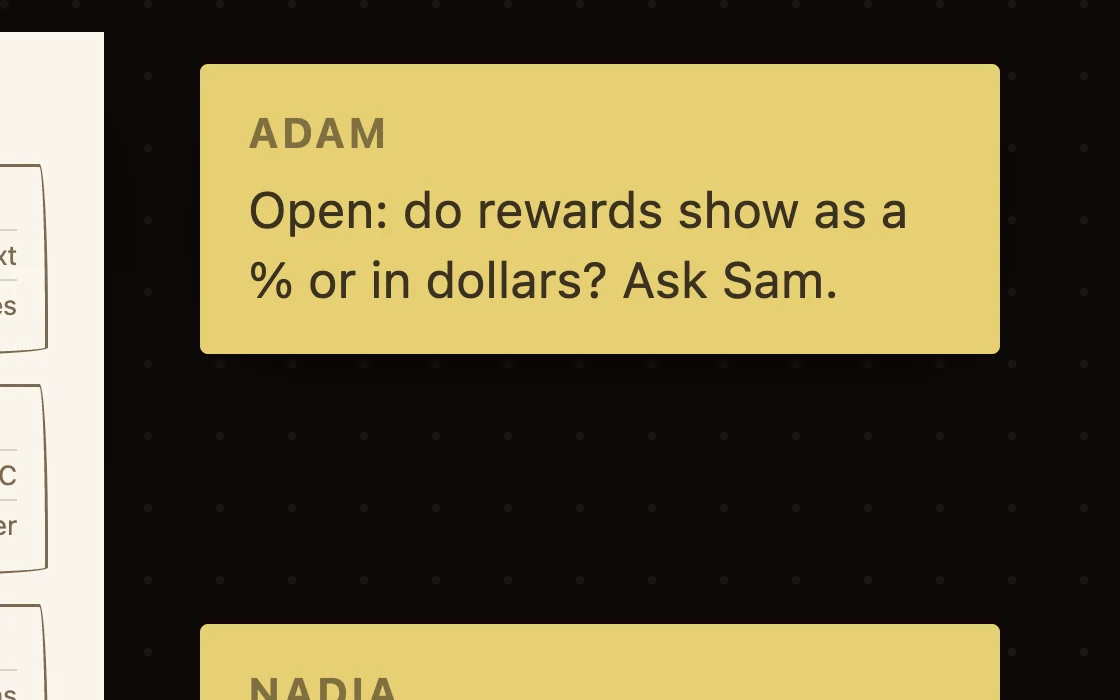 |
How to make one.
Six moves, from one sentence to boards you would build from.
Write one sentence
What it is, and who it is for.
List the boards in order
Every page a user meets, first to last.
Put real words on each
A grey bar is a decision nobody made.
Draw the unhappy states
The empty week. The declined card.
Draw the data
The tables each board needs, as a board.
Move it until it is right
Then build exactly those boards.
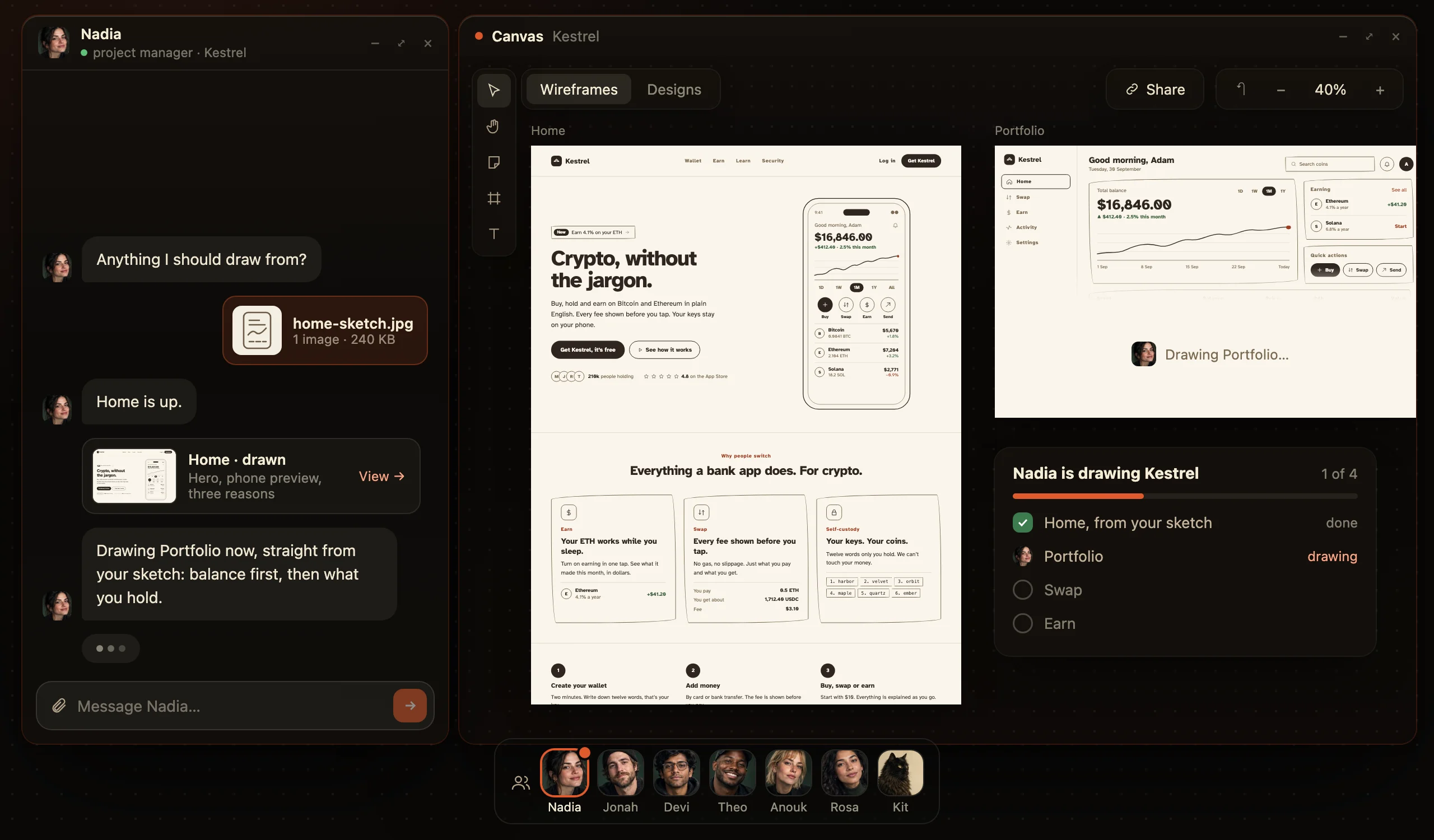
The boards most products need.
Start here. Cut what you do not need. Where Kestrel has one, it says which.
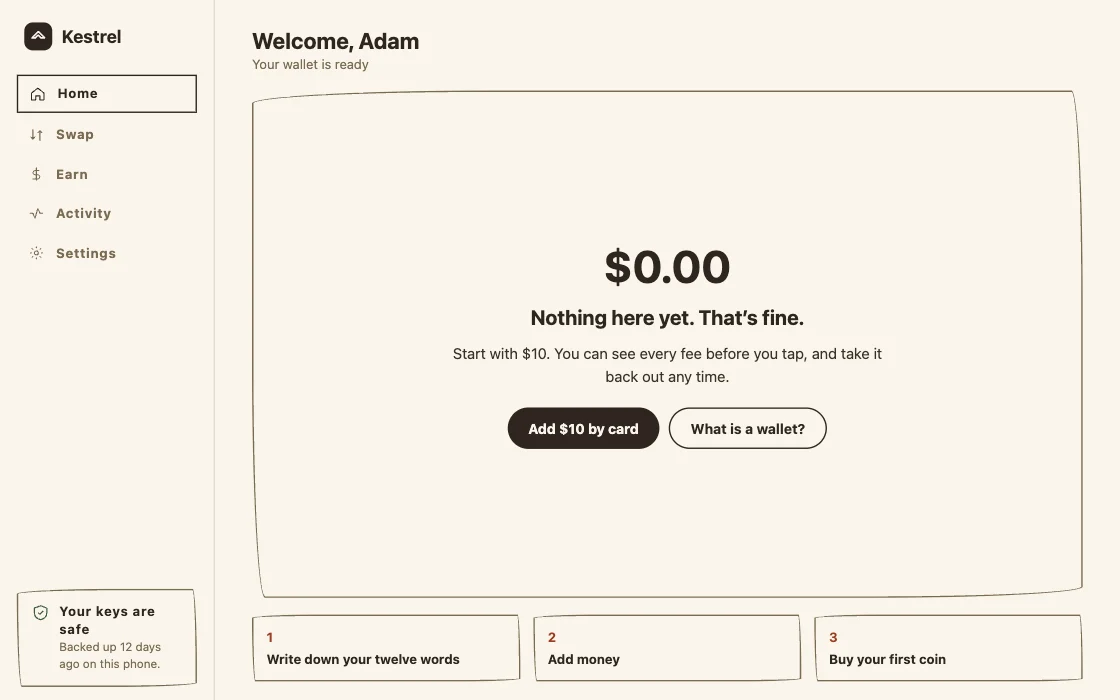
- The first pageWhat it is, and the next step.Kestrel: Home
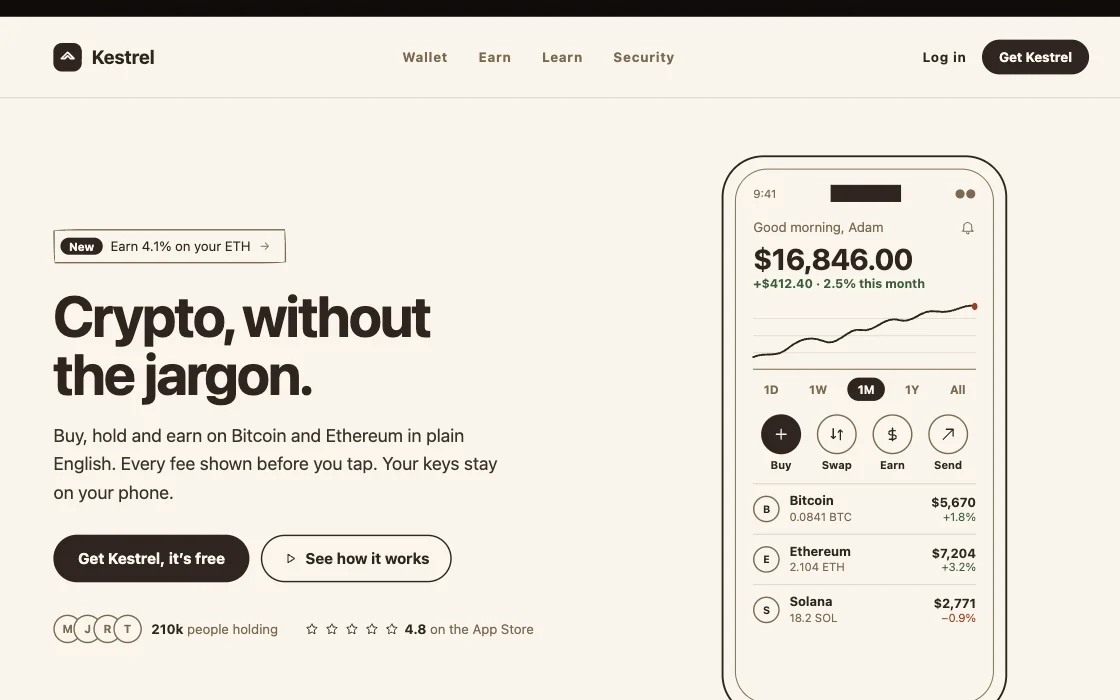
- The core actionThe page the product exists for.Kestrel: Swap
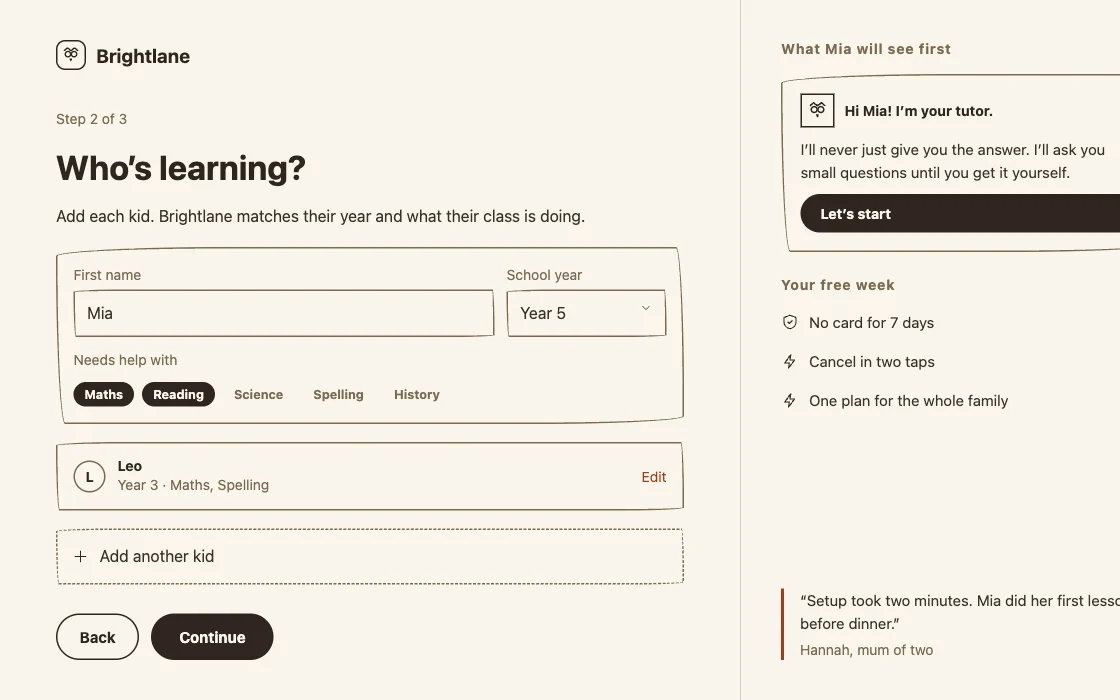
- Sign upWhere you ask, and why there.Brightlane: Sign up
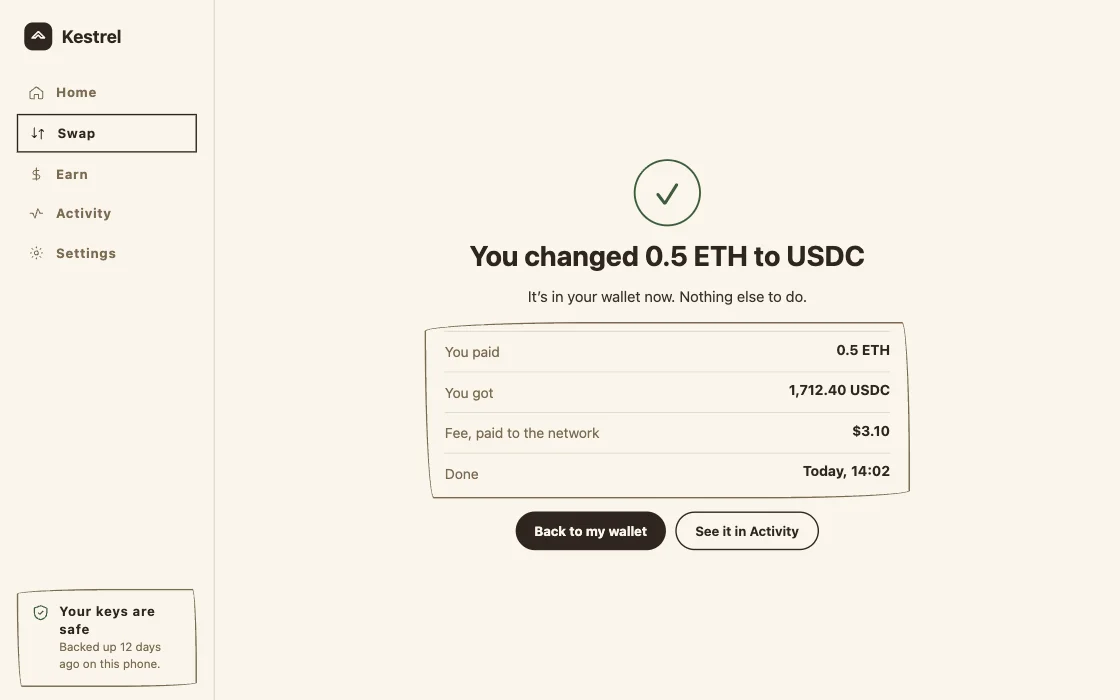
- ConfirmationWhat just happened.Kestrel: Swap, done
- The empty stateThe first visit, or a quiet week.Kestrel: Home, day one
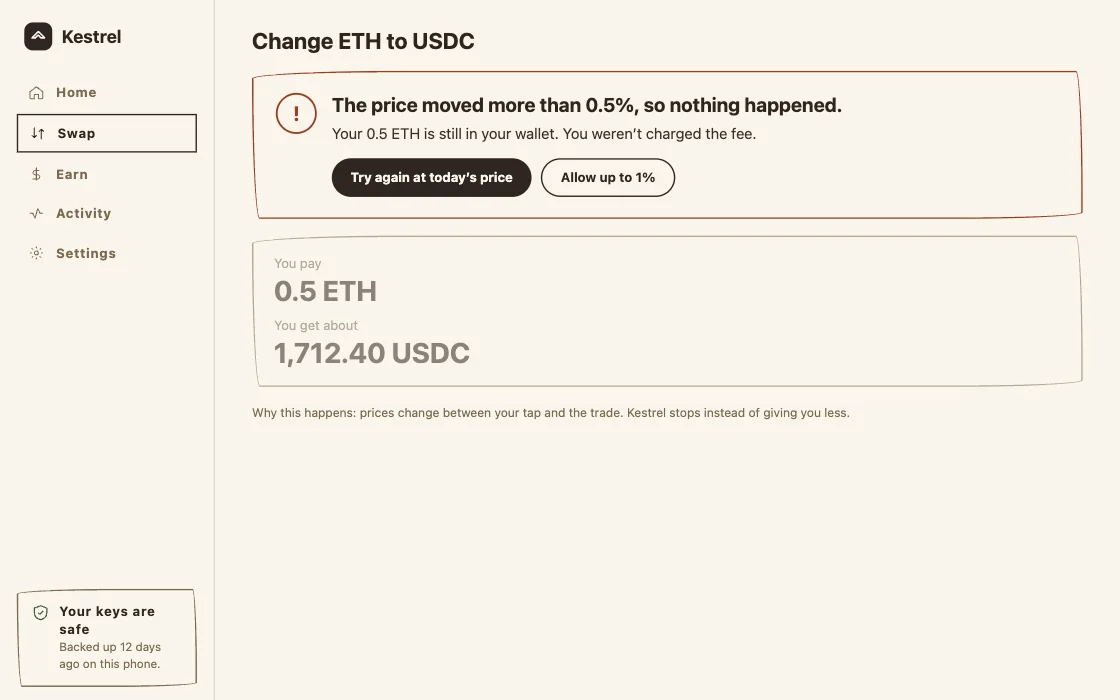
- The costly errorThe declined card, the double booking.Kestrel: the price moved
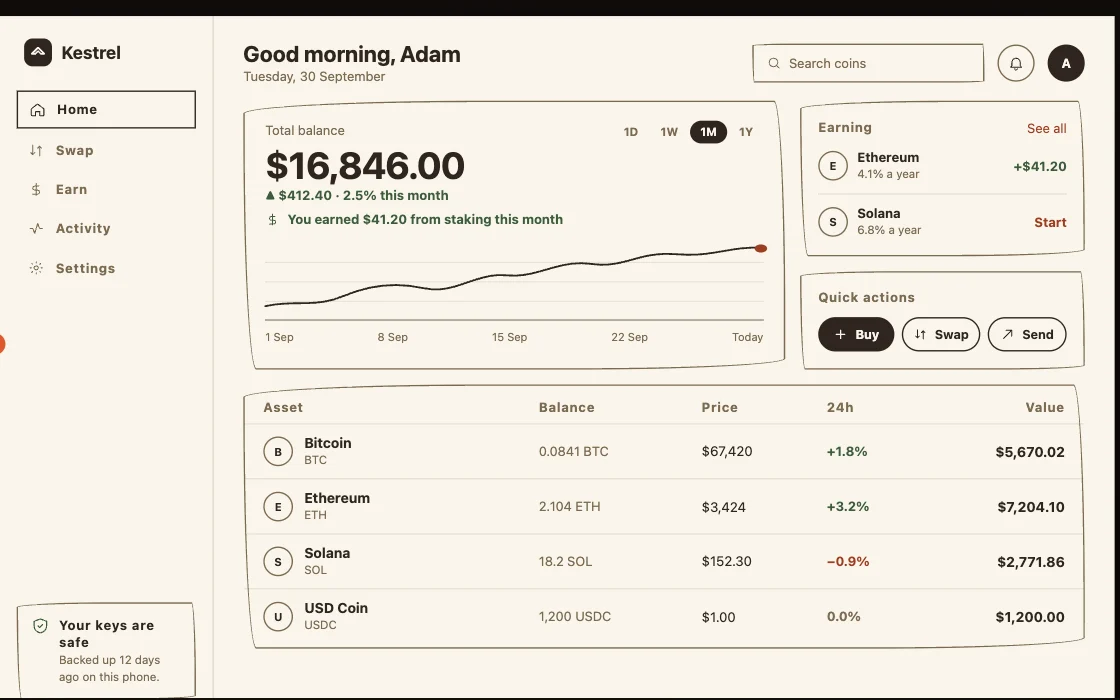
- The dashboardWhere a returning user lands.Kestrel: Portfolio
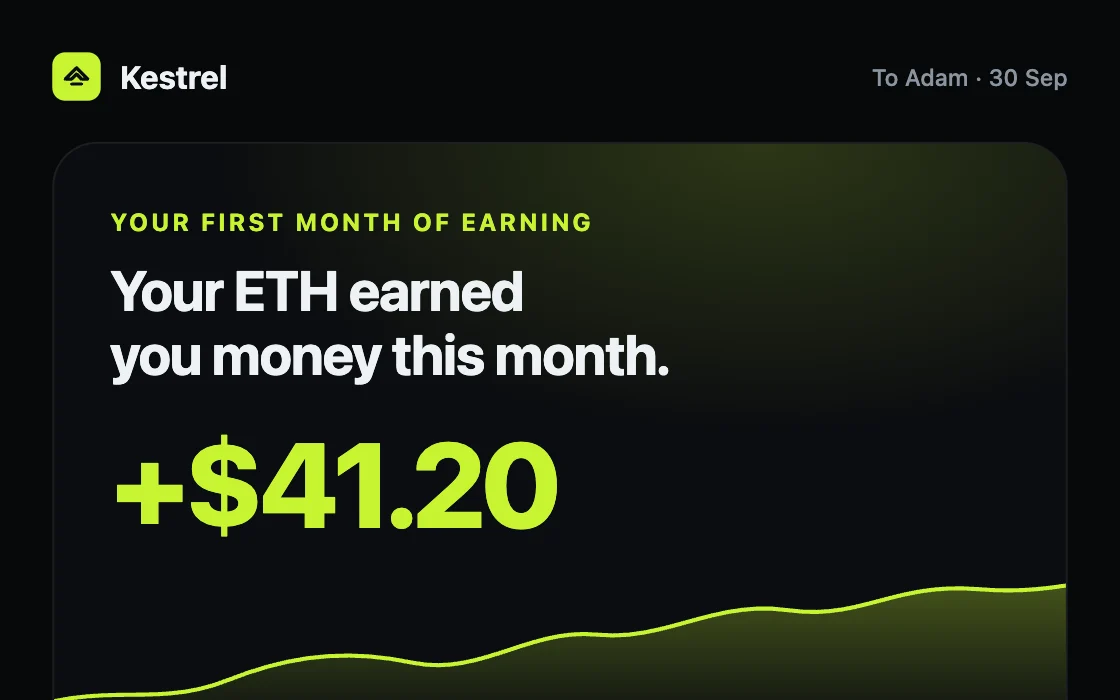
- The message backThe reminder, the receipt.Kestrel: Email, month one
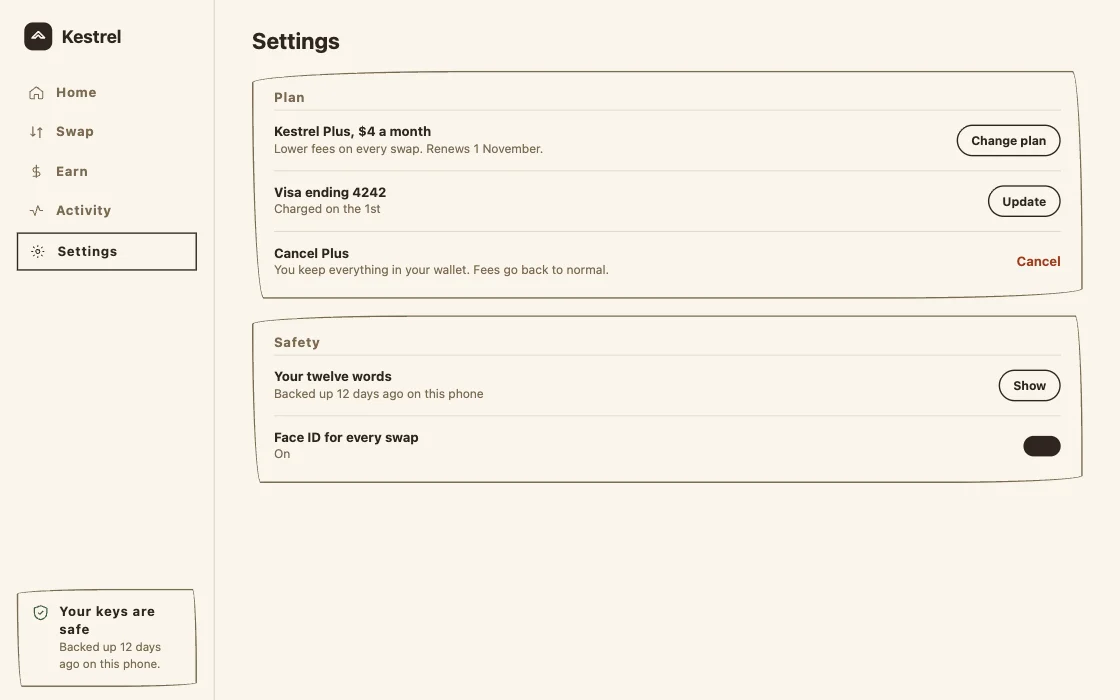
- Settings and billingThe plan, and the way out.Kestrel: Settings
- The dataThe tables behind all of it.Kestrel: Data
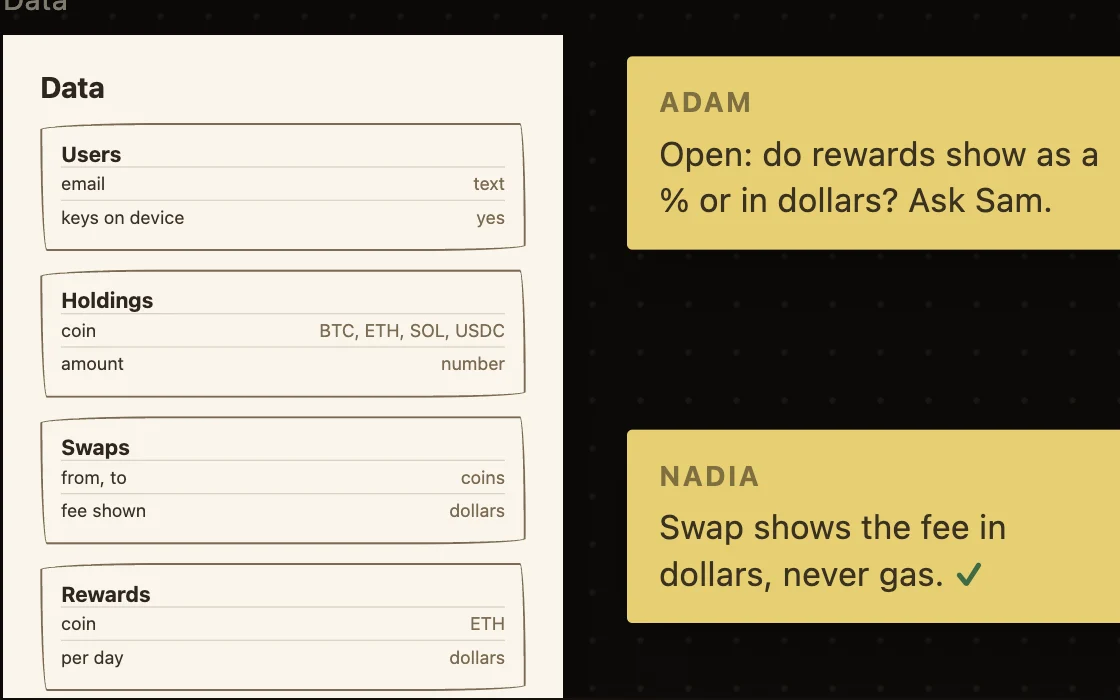
AI builds better from boards than from words.
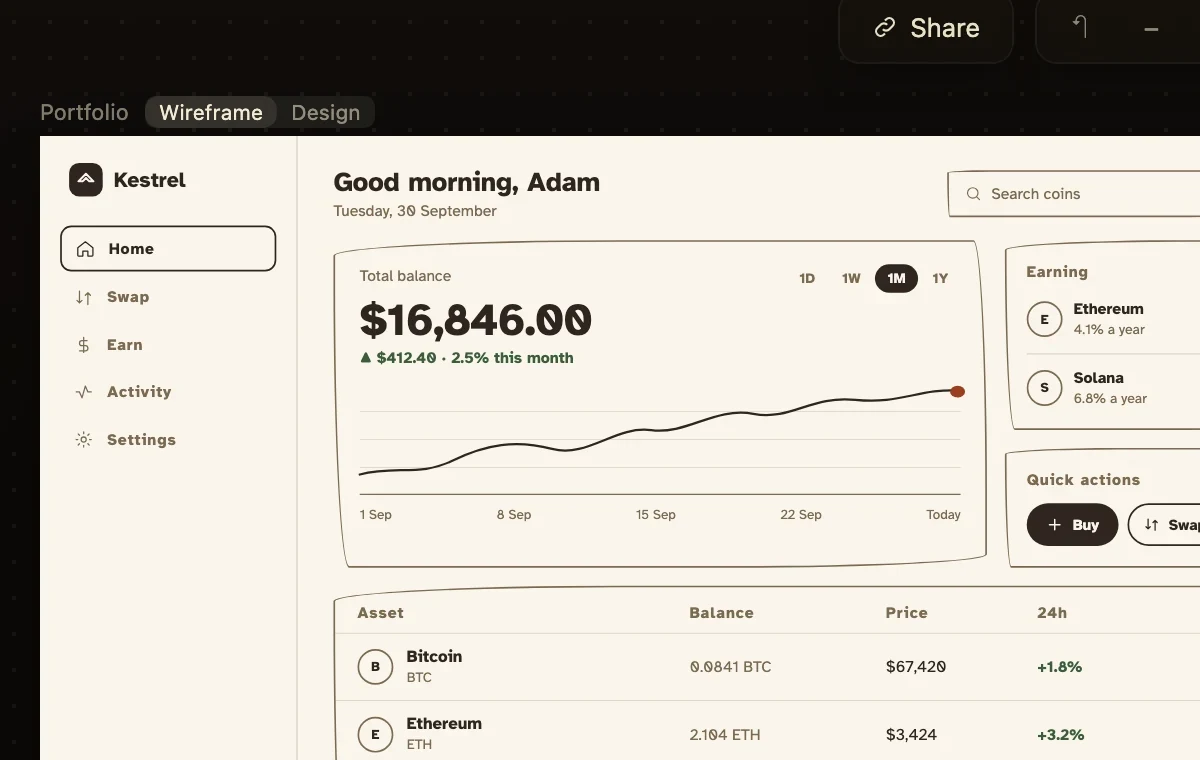
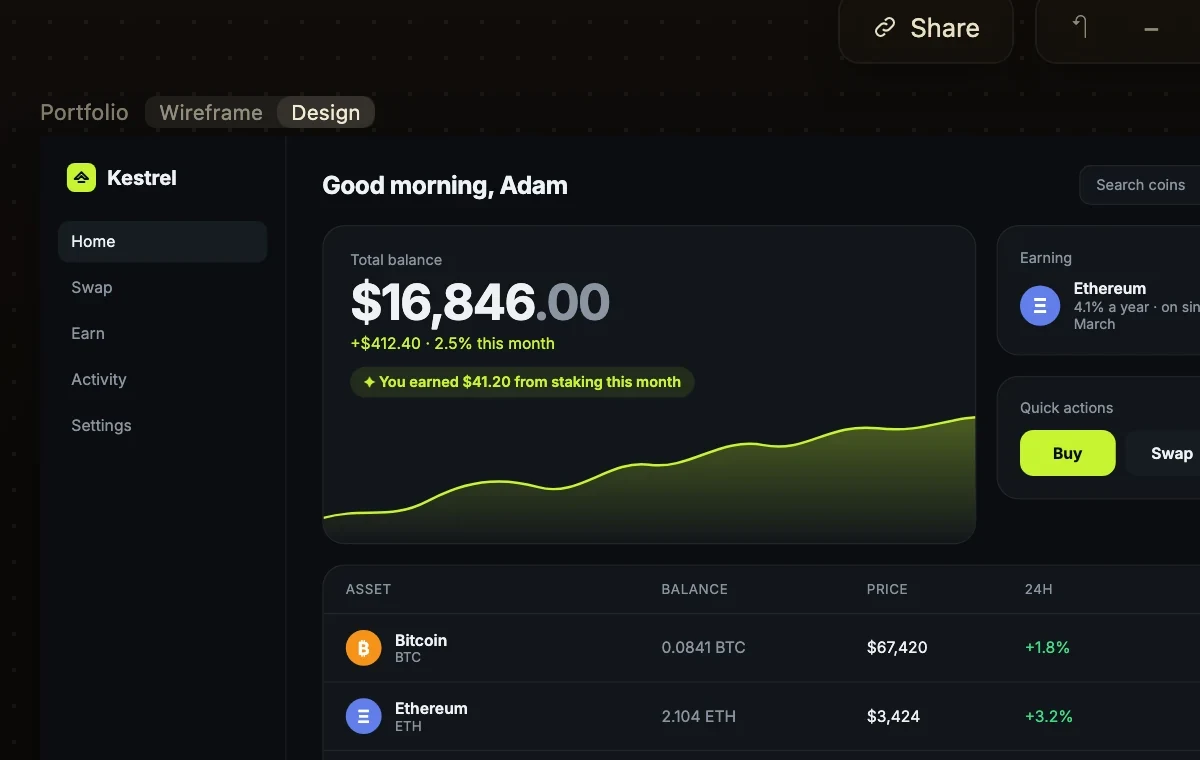
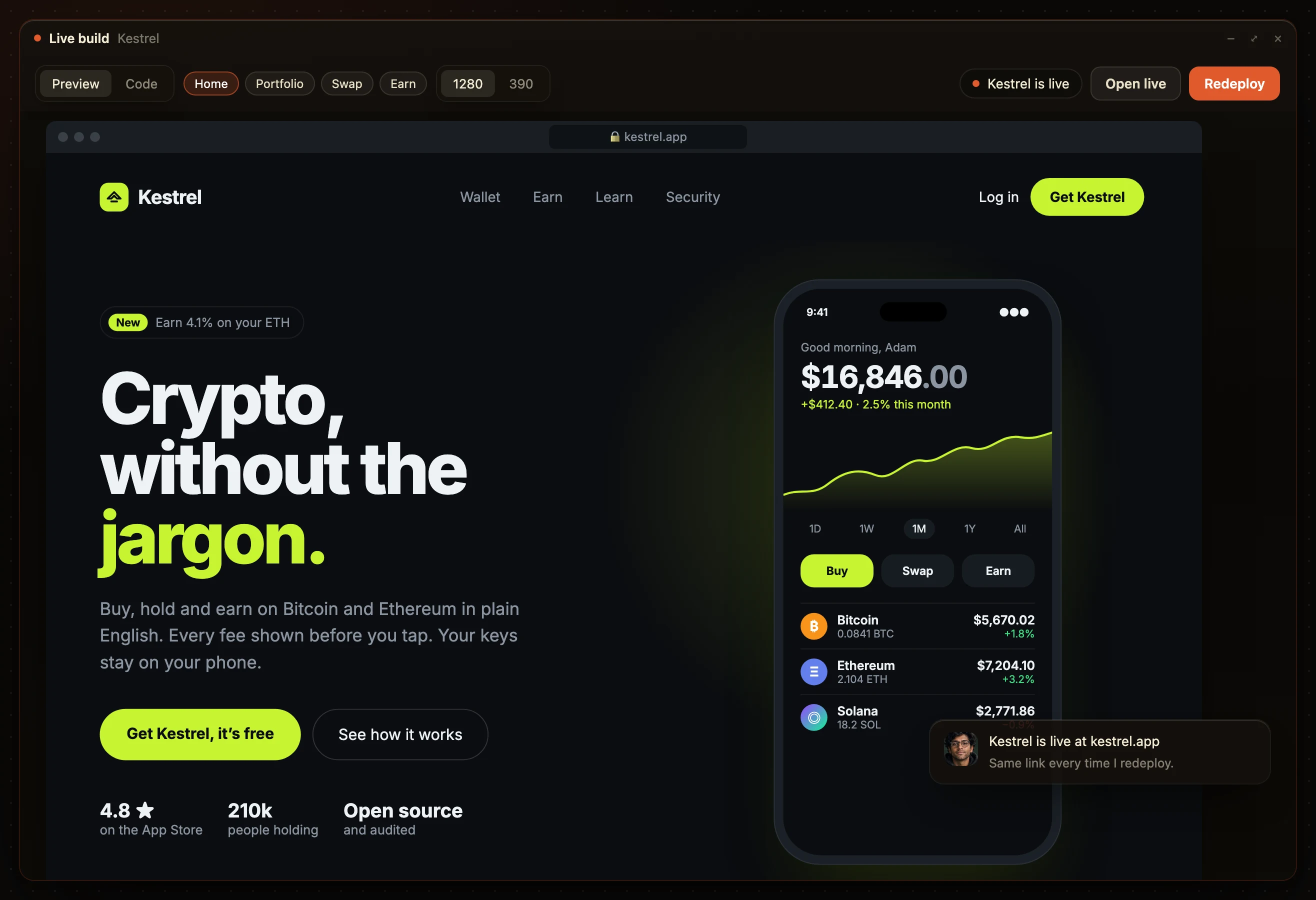
A paragraph gets pictured by the builder. A board already was, by you. Then Devi builds exactly that.
- The board
- The design
- The build
Everyone reads the same plan.
Share the link. Your team, a client or an investor comments on the exact board, with no account, and the AI employees make the change.
Visual PRD: common questions.
What is a visual PRD?
A product spec drawn as boards: every page, its words and its data.
How is it different from a wireframe?
A wireframe is one page. A visual PRD is every page, linked, decided.
Does it replace the written PRD?
For what gets built, yes. Pin the goal to the first board.
Is there a template?
Start from the ten boards most products need, listed above. Cut what yours does not have.
Why does AI build better from one?
A paragraph leaves gaps the builder fills its own way. A board leaves none.
Do I need design skills?
No. Type a sentence. Nadia draws the boards.
Type one sentence. Get the boards back.
Nadia draws your visual PRD. Devi builds it.