
AI Marketplace·Copywriting
Pricing Page Teardown
COPYWRITING

Pricing Page Teardown

Scored audit and specific rewrite plan for the page where decisions get made.

PRO

Sign in to unlock. All skills included — prompts, workflows, templates.

6-dimension scored audit of your pricing page with a specific rewrite plan for the 3 highest-impact changes. 15-20 minutes to run.

Works withClaude

6-dimension scoring · Produces specific rewrites, not generic advice

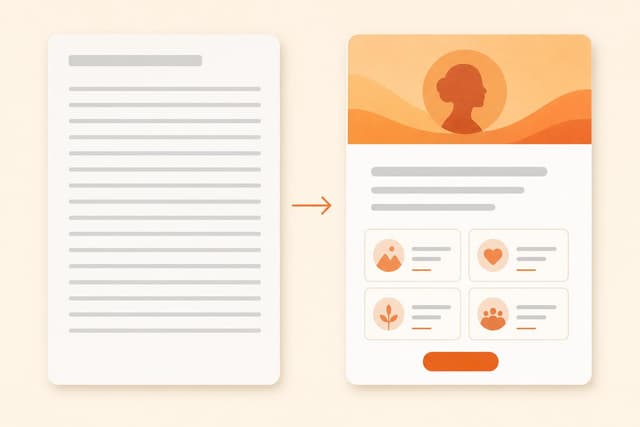
Founders spend months on their homepage headline and two hours on their pricing page. That's backwards. The pricing page is where buyers commit or walk away. Everything they feared during the demo surfaces here, and most SaaS pricing pages fail this test badly. Paste this prompt into Claude. Paste your pricing page text and answer a few context questions. You'll receive a 6-dimension scored audit with findings quoted from your actual page, quick wins you can fix in under 30 minutes, and a rewrite plan for the 3 highest-impact changes with exact before/after copy direction.

  1. Click "Copy prompt" above and paste it into Claude to start the session.
  2. The AI asks you to paste your full pricing page text (tier names, prices, feature bullets, CTAs, FAQs — paste verbatim, not paraphrased) and answer a few questions: your ICP, what the page needs to accomplish, and your primary buyer objection.
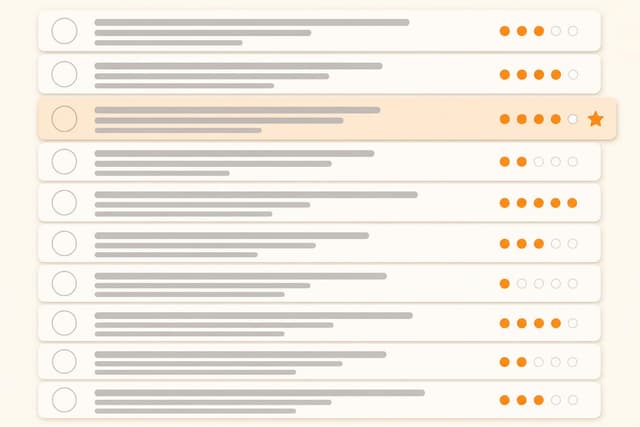
  3. You'll receive a scored audit across 6 dimensions: Clarity, Anchoring, Value Framing, Trust Signals, Enterprise Path, and Friction Points.
  4. Each finding is quoted from your actual page — not generic advice.
  5. Apply the Quick Wins first: under 30 minutes each, no strategic decision required.
  6. The top 3 rewrite recommendations include exact before/after copy direction — paste them directly into your page.
From a full teardown of a B2B customer feedback platform (Quorum):

OVERALL SCORE: 17/30

Clarity: 3/5. "Advanced analytics" appears with no definition. "Up to 5 active surveys" is an internal constraint, not a buyer-meaningful metric.

Anchoring: 2/5. No tier is marked "Most Popular." All three tiers have identical visual weight. The $49 to $149 jump has no bridge.

Value Framing: 2/5. Every tier is a feature checklist. The primary differentiator (closes the loop with customers automatically) appears nowhere in the tier descriptions.

REWRITE #1 — Add a tier anchor to Growth:
Add "Most Popular" badge + subheader "For product teams running feedback systematically." The $149 tier needs a decision shortcut.

REWRITE #2 — Reframe tier bullets as outcomes:
Current: "25 active surveys · Advanced analytics · Custom branding · Priority support"
Direction: "Run up to 25 surveys simultaneously · Automatically close the loop with every respondent · Connect to Salesforce so feedback lands where your team already works"

REWRITE #3 — Add adoption proof for the primary objection:
"We don't know if our team will actually use it" — nothing on the page addresses this. Add 3-stat proof bar: first survey live in 30 min · first response in 2 days · 91% still active at 6 months.

Install this skill in Claude

Claude (web or desktop)

Copy the skill and paste it into a new chat, or save it as project instructions so every conversation in that project starts with it loaded.

Claude Code

Save the skill as a SKILL.md file in your .claude/skills folder. Claude Code picks it up automatically and activates it when the task matches.

ChatGPT or Gemini

The same skill text works as a custom instruction or Gem. Paste it at the start of a chat, no changes needed.

New to skills? Read the full guide: how to install and activate Claude skills or start with what Claude skills are.